 Nularche
From zero point to first principles
Your notes. Your machine. Your AI.
Nularche is a free, open-source notes app for macOS, Windows and Linux. Your notes are plain Markdown files in a folder you own, and its AI works with the Claude, ChatGPT or Gemini account you already have.
No Nularche account, no Nularche server, no analytics. MIT licence.
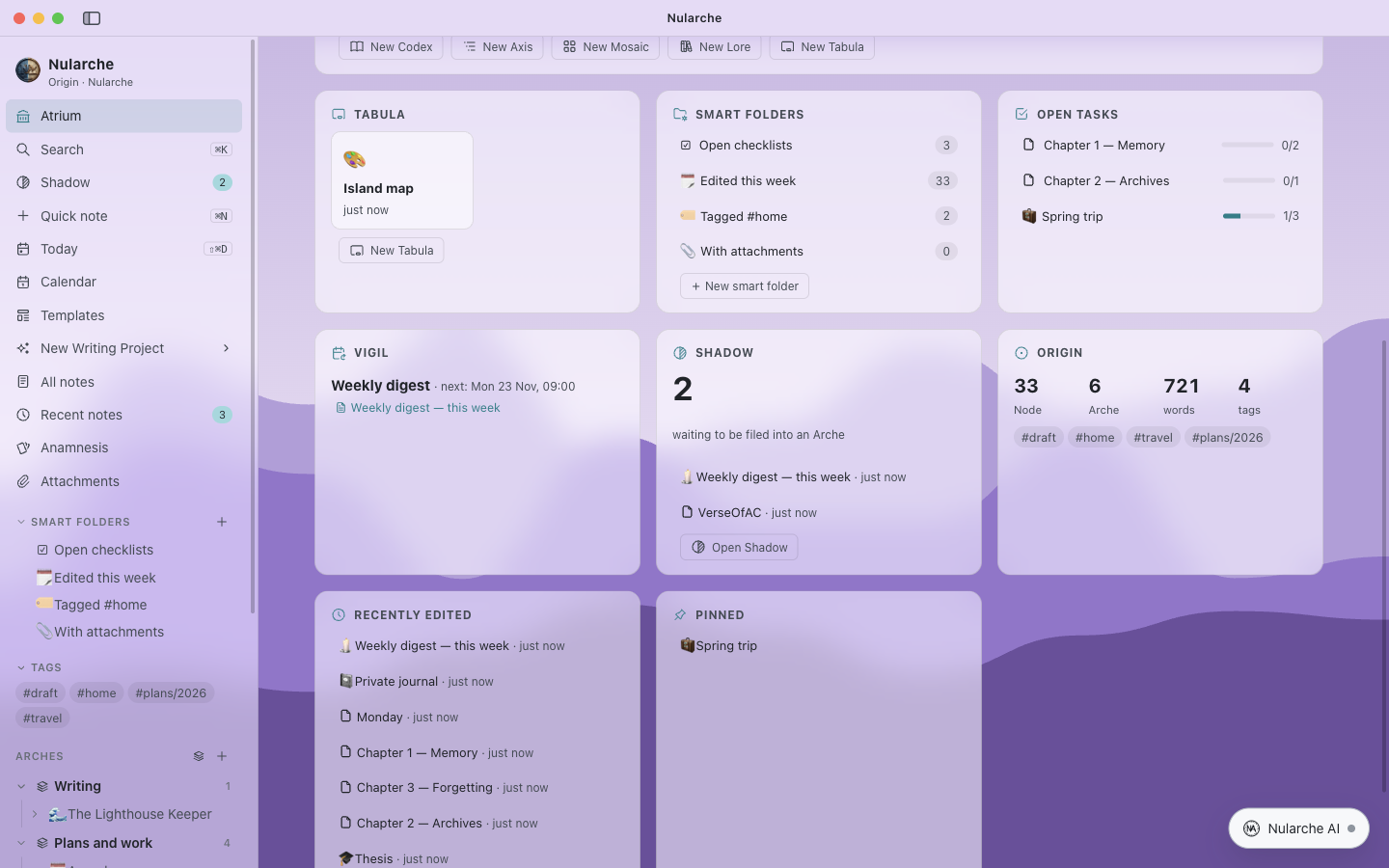
Everything in plain Markdown
Every part of Nularche has its own name in the Nularche language, explained the first time you open the app.
Notes and structure
Top-level areas (Arches) with nested pages, an inbox (Shadow), tags, smart folders, links, backlinks and a graph.
Databases
Table, Board, Calendar, Gallery, List and Timeline views with formulas, relations and filters. Every row is a page.
Writing studio
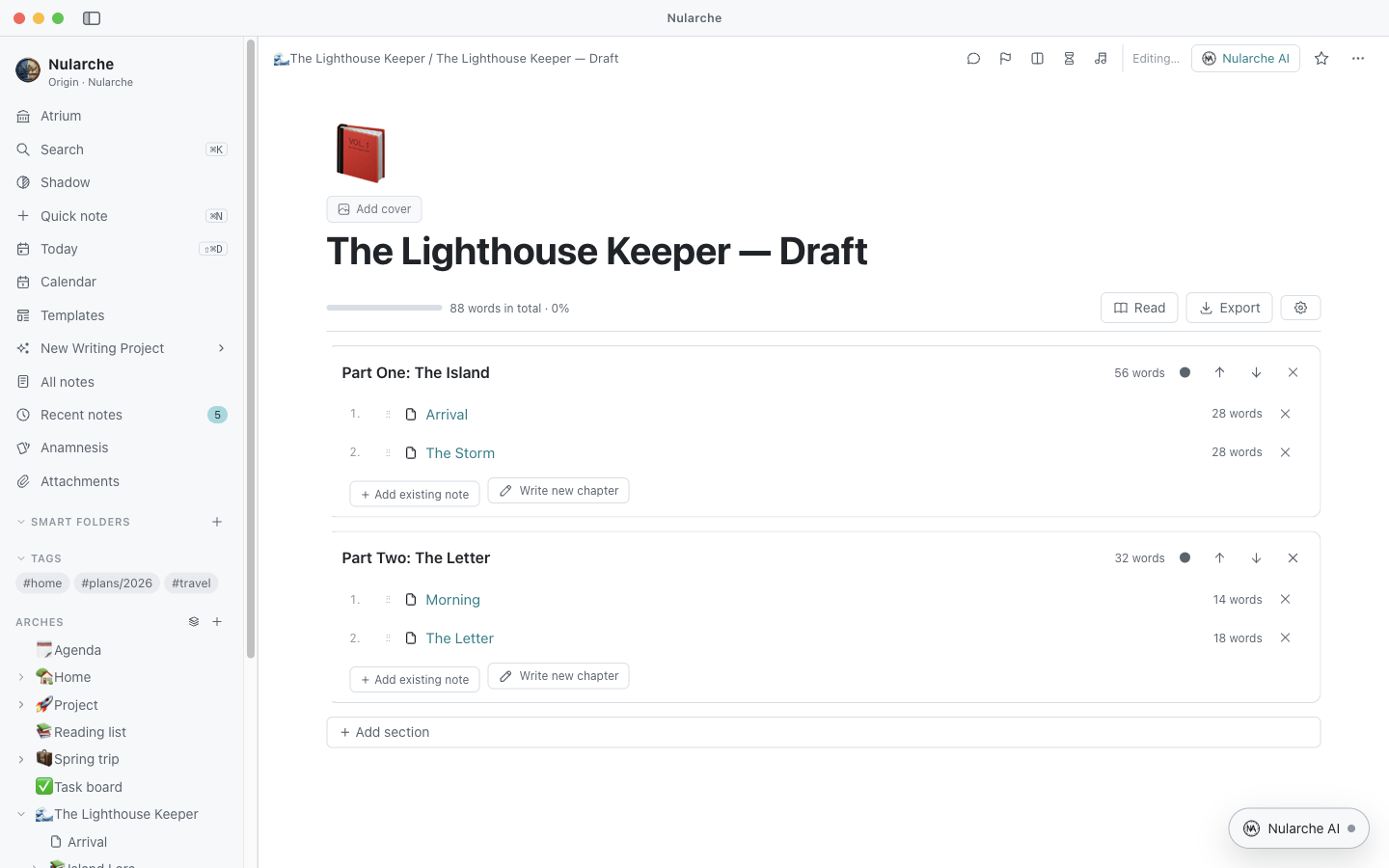
Codex manuscripts, Axis outlines, Mosaic card boards and a Lore story bible, with word goals and exports to Word, RTF and HTML.
Whiteboard
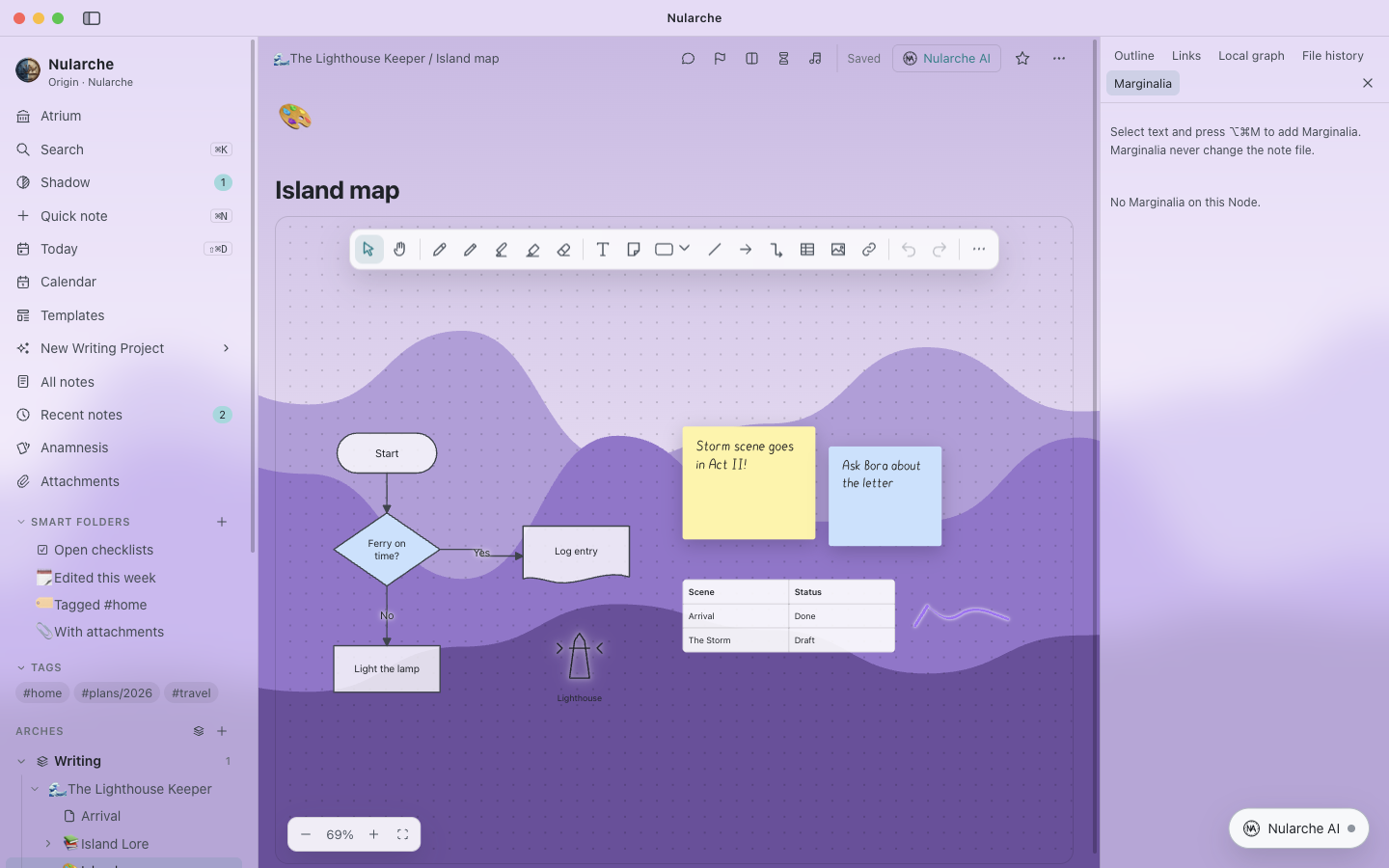
Tabula: pressure-sensitive pens, sticky notes, over 130 diagram shapes and about 4,800 icons.
Research
Fontes citations and bibliographies, the Lectio PDF reader with highlights, and block links (Tessera).
Using what you know
Live queries (Speculum), flashcards with spaced repetition (Anamnesis) and scheduled automations (Vigil).
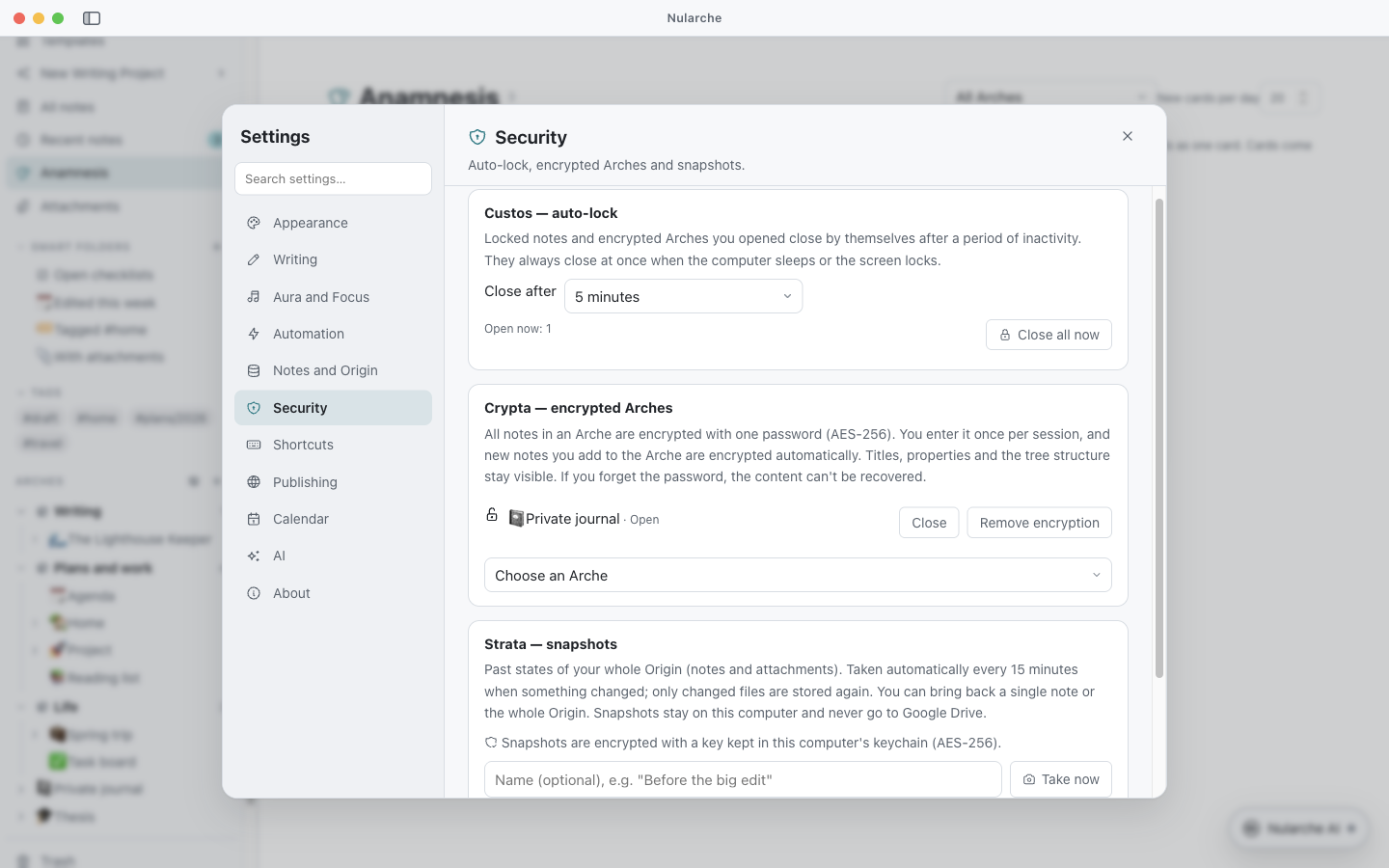
Security you can check
- Locked notes and encrypted Arches (Crypta): AES-256 with a password that is never stored.
- Auto-lock (Custos) when you step away, the computer sleeps or the screen locks.
- Encrypted snapshots (Strata) of your whole notes folder that you can restore.
- Open source: anyone can read exactly what the app does.
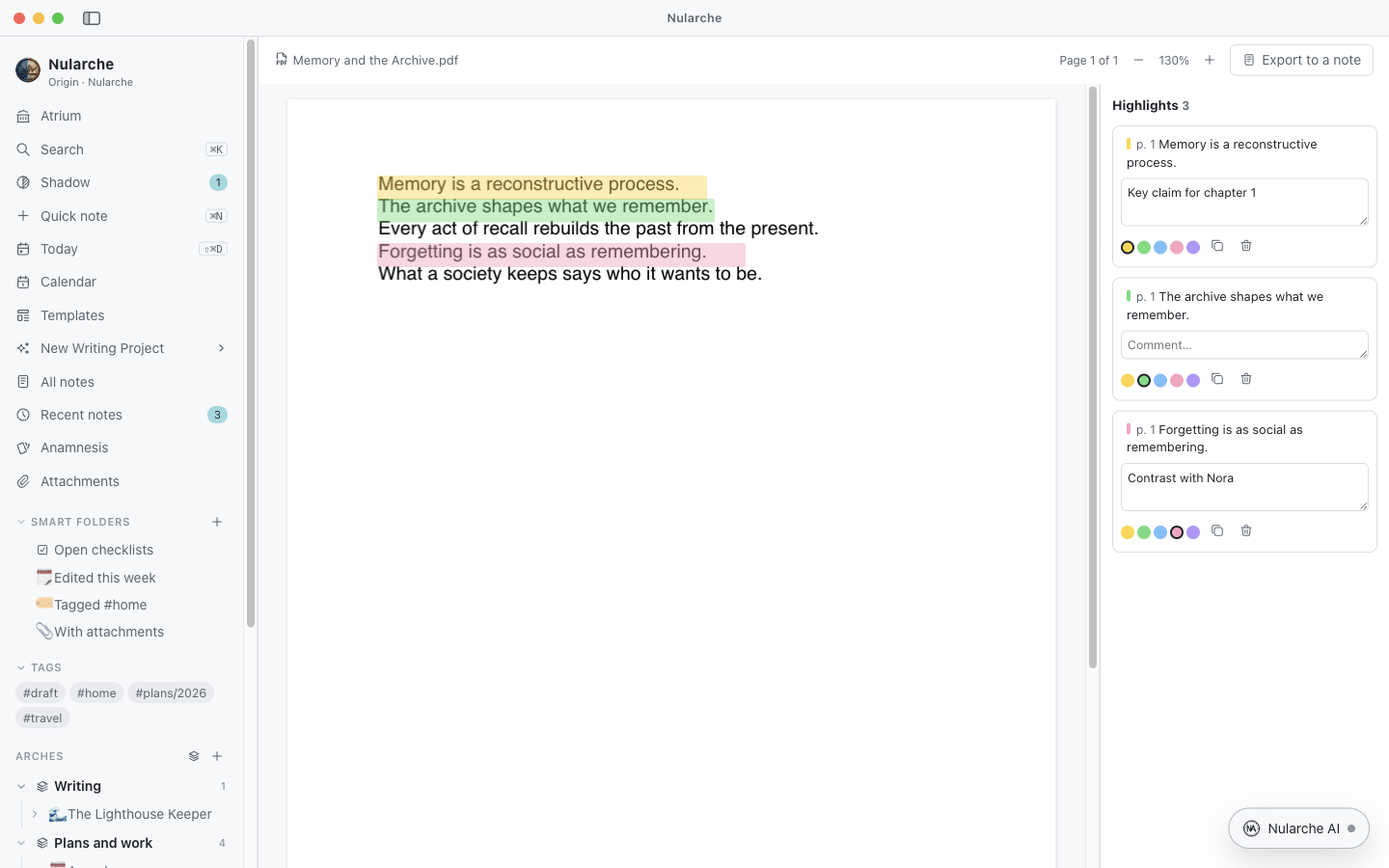
Read, highlight, write
Highlight PDFs and turn the highlights into notes that link back to the page, cite your sources with [@key], and export a whole manuscript with its bibliography.
How Nularche uses Google data
Connecting Google is optional. Nularche works fully on your computer without it.
Google Drive (storage and sync)
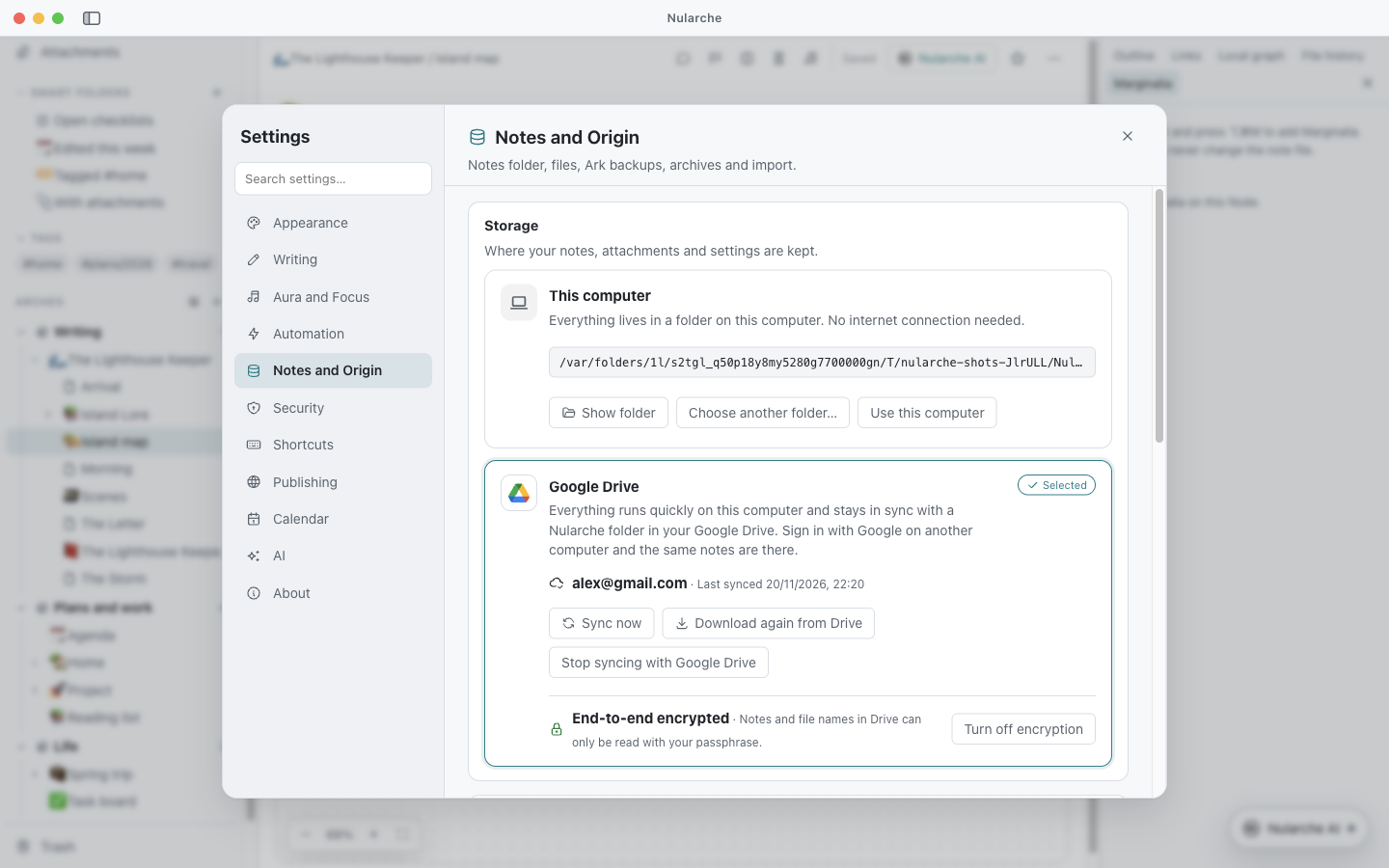
If you choose to keep your notes in Google Drive, Nularche asks only for the drive.file permission. It can see and change only the Nularche folder and the files it creates, never your other files. It uses this access solely to keep your notes in sync between your computers. With end-to-end encryption on, files are encrypted on your computer before upload, so not even Google can read them.
Google Calendar
If you connect Google Calendar, Nularche reads your calendars to show them on its Calendar page and creates, edits or deletes events only when you do so in Nularche.
Nularche talks to Google directly from your computer. Your Google data is never sent to us or anyone else, never used for advertising, never sold and never used to train AI models. Nularche's use of information received from Google APIs adheres to the Google API Services User Data Policy, including the Limited Use requirements. Read the full privacy policy.
Get Nularche
Free for macOS (Apple Silicon and Intel), Windows (64- and 32-bit) and Linux (Debian/Ubuntu). Every installer is installed and tested on its own operating system before release.